Best Armless Swivel Desk Chair for Small Spaces
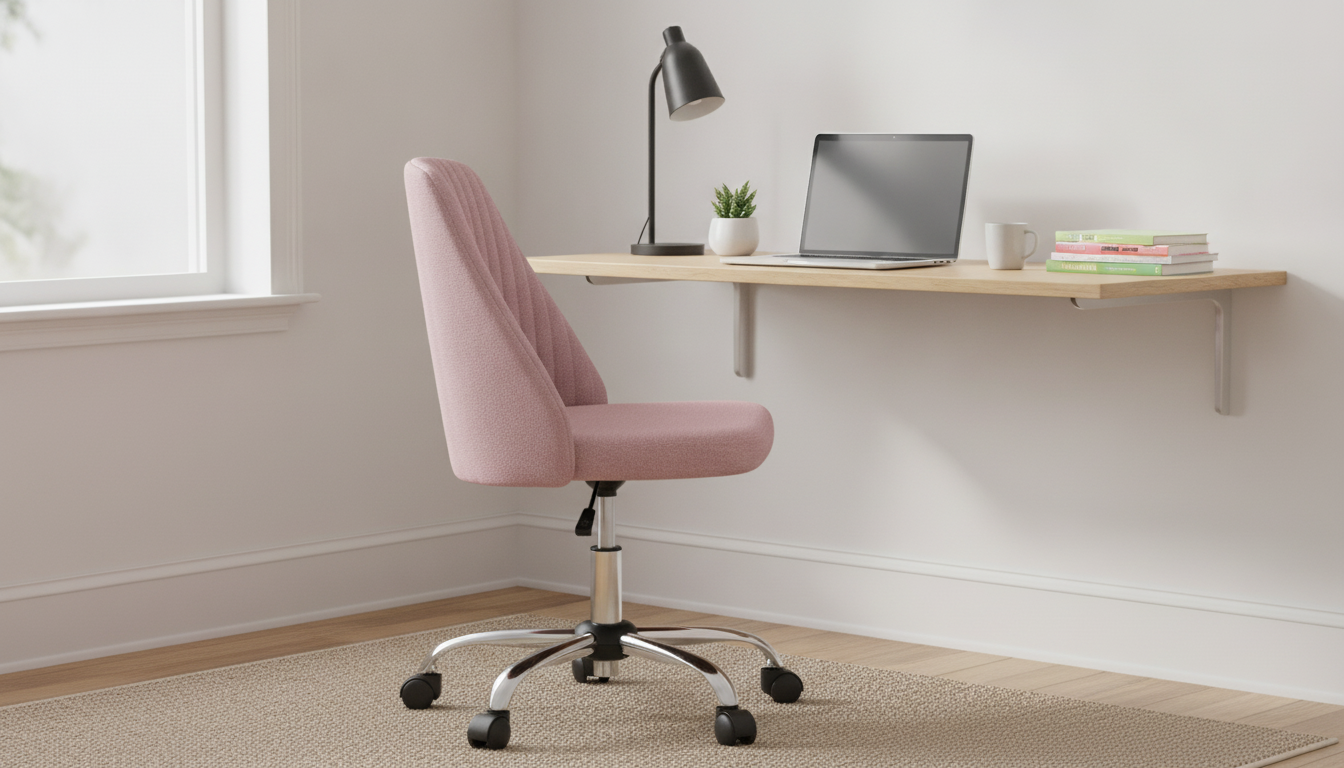
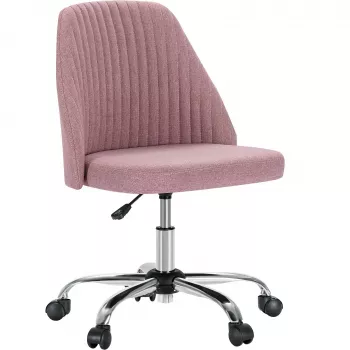
Armless Small Desk Office Chair with Swivel, Adjustable Height & Wheels
An armless desk chair can be a practical fit for compact workspaces, shared desks, and setups where freedom of movement matters. This guide breaks down what to look for in an armless swivel chair with adjustable height and wheels, how it performs in everyday tasks, and how to set it up for a more comfortable work session. If your goal is to stay mobile without sacrificing too much space, an armless profile is often the simplest upgrade you can make.
Who This Chair Style Works Best For
Armless, adjustable rolling chairs tend to shine in rooms where every inch counts and where you move between tasks frequently.
- Small desks, vanity-style setups, and tight corners where armrests would bump the tabletop
- Users who prefer to sit close to the desk or frequently switch between keyboard, writing, and side surfaces
- Shared work areas where quick height changes help different users get a better fit
- Light-to-moderate daily use for homework, home office tasks, or apartment workstations
If you’re outfitting a compact station, consider starting with the Armless Small Desk Office Chair with Swivel, Adjustable Height & Wheels, which is built around the core features that matter most in a small footprint.
Key Features That Matter Day to Day
In a small workspace, “nice-to-have” features quickly become daily conveniences. These are the ones that tend to impact comfort and usability the most.
- Swivel base: helps you reach drawers, printers, or side tables without twisting your torso
- Adjustable height: supports a more level arm and wrist position at the desk
- Wheels (casters): makes it easier to slide in/out or reposition without scraping floors
- Armless profile: increases lateral movement and can tuck under more desks to save space
- Compact footprint: useful in bedrooms, dorms, studio apartments, and multi-use rooms
For ergonomic basics that pair well with these features, resources like OSHA’s Computer Workstations eTool and the Mayo Clinic office ergonomics guide offer clear benchmarks for posture and screen placement.
Fit and Setup: Getting Comfortable at a Small Desk
A compact chair is only as comfortable as its setup. The goal is a neutral posture that doesn’t force you to shrug, reach, or perch.
- Seat height: adjust so feet rest flat on the floor (or on a footrest) and knees are roughly level with hips
- Desk height pairing: elbows should be near the same height as the work surface when typing
- Monitor positioning: aim for the top of the screen around eye level to reduce neck strain
- Rolling clearance: confirm space behind the chair so casters move without hitting walls or bed frames
- Tucking under the desk: armless designs often slide under more easily—use this to keep walkways open
| Adjustment/Area | What to Aim For | Simple Check |
|---|---|---|
| Seat height | Feet supported; neutral knees/hips | Feet flat and thighs not pressing hard into the seat edge |
| Distance to desk | Relaxed shoulders; elbows close to body | Forearms rest comfortably on the desk without shrugging |
| Back and pelvis | Neutral posture supported | Sit back so the pelvis is stable and you are not perching on the edge |
| Caster movement | Smooth rolling without jolts | Chair rolls without snagging on rug edges or floor gaps |
| Workspace reach | Less twisting to grab items | Swivel to side surfaces rather than bending or leaning repeatedly |
How It Compares to Armrest Chairs in Compact Spaces
Armrests can feel supportive, but in small rooms they often create friction—literally and figuratively. An armless chair changes how you interact with the desk.
If you miss forearm support, a simple workaround is adjusting your chair height so your forearms can rest lightly on the desktop while keeping shoulders down and relaxed. For deeper ergonomic research and diagrams, Cornell’s CUErgo library is a helpful reference.
Wheels and Floors: Preventing Noise and Marks
Care Tips to Keep It Rolling Smoothly
For small home setups, it can also help to keep a few basics nearby so you’re not improvising fixes. If you maintain furniture or do occasional household projects, a sturdy tool like the Heavy-Duty Aluminum Pipe Wrench can be useful to have on hand (even if it’s not a daily office item).
A Practical Option for Small Workstations
If you’re building out a comfortable work-from-home corner, small supporting upgrades can also improve the day: a hydration station like the 52-Cup 5-Stage Water Filter Dispenser with Real-Time TDS Meter & Lead Reduction helps cut down on kitchen trips, and a reference like How to Use AI Tools to Regain Control of Your Finances can be a practical addition if your desk time includes budgeting or planning.
FAQ
Is an armless office chair comfortable for longer work sessions?
It can be, as long as the seat height and desk height let you keep relaxed shoulders, neutral wrists, and stable back support. The armless design improves mobility, but it also means you’ll rely more on the desk surface and good posture habits for forearm support.
Will the wheels work on hardwood or tile?
Most casters roll on hardwood or tile, but a thin chair mat can reduce noise and help prevent marks over time. Keeping wheels clean and free of grit also helps avoid scratches and maintains smoother rolling.
How do you set the chair height correctly at a desk?
Adjust the chair so your feet are flat on the floor and your knees are roughly level with your hips, then check that your elbows sit close to desk height while typing. If the desk is high and you can’t raise the chair comfortably, a footrest can help support your feet while keeping your arms aligned with the work surface.



Leave a comment